Stage 6 - Profiles: Different Build Configurations
The same code may need different build settings in development, CI, a legacy JDK, or an operating-system-specific environment. Profiles let a build switch selected configuration deliberately.
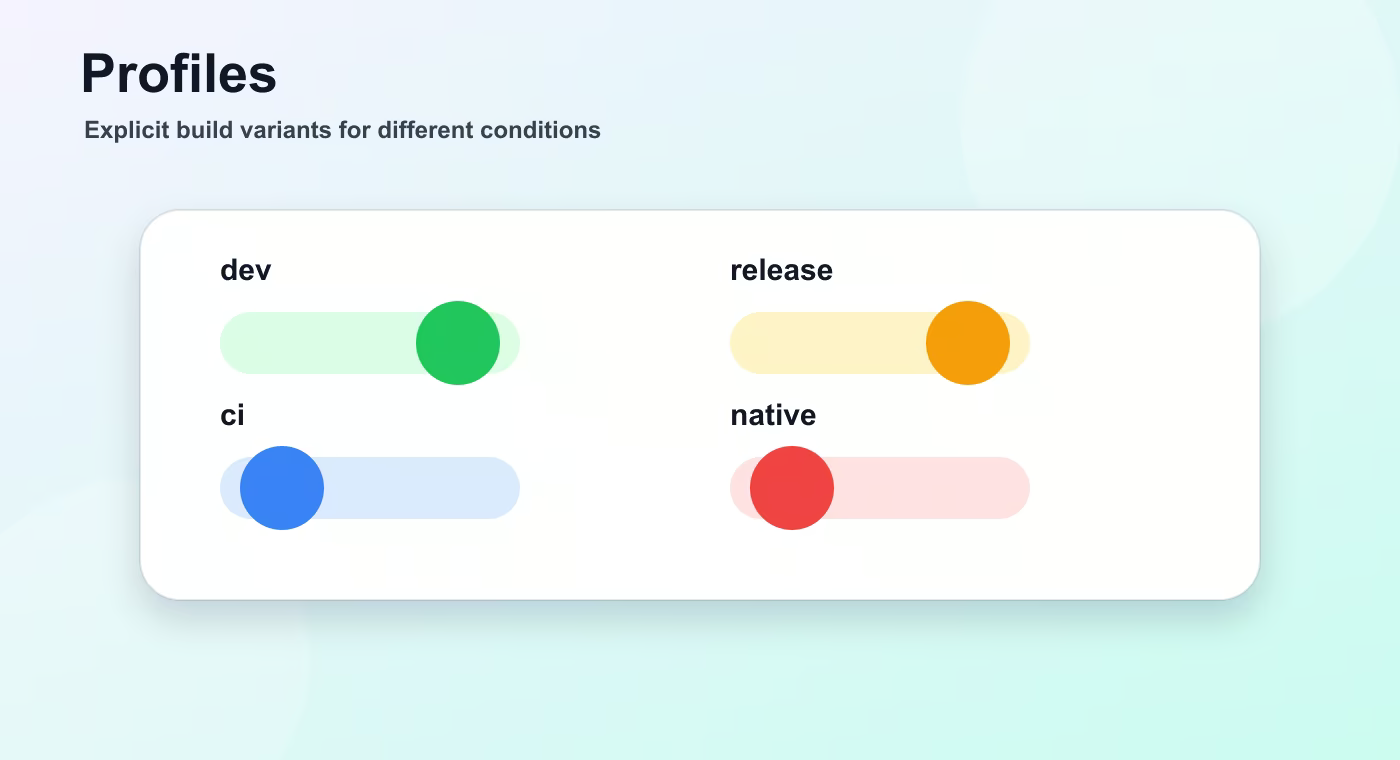
A profile is a named set of build configuration that can change properties, dependencies, plugin settings, or repositories. It should not be used to hide random differences between machines.
Why this topic exists
Maven profiles can be activated manually with -P, by operating system, by JDK version, by property, or by environment variable. Manual activation is explicit and easiest to reason about.
A profile can add a dependency only needed for a certain build, change a property such as skipITs, or configure a plugin differently. This is useful, but it can also make builds hard to reproduce if overused.
Gradle does not have Maven profiles as a first-class identical feature. Similar behavior is usually implemented through project properties, environment variables, separate tasks, convention plugins, or different source sets.
The main rule is to keep runtime environment configuration out of the build profile when possible. Database passwords, service URLs, and feature flags usually belong in application configuration, not in the build file.
Profiles are best for build-time differences: run integration tests or not, include a generated client, use a special publishing repository, or activate a native-image build.
Build flow
- profile activation.
- properties.
- dependencies/plugins.
- selected build behavior.
This sequence is the mental model to keep while reading build files. The names are different in Maven and Gradle, but the practical question is the same: what input is used, what task runs, what output is produced, and where that output is stored.
Concrete example
<profile>
  <id>ci</id>
  <properties>
    <skipITs>false</skipITs>
  </properties>
</profile>
Useful reference
| Concept | Meaning |
|---|---|
| Manual | mvn package -Pci |
| OS | Activate only on Linux, macOS, or Windows. |
| JDK | Activate for a specific JDK version. |
| Property | Activate when a Maven property is present. |
| Environment | Activate based on an environment variable. |
How this is used in real projects
Use profiles sparingly and document them. A build that changes silently depending on a developer machine is a production incident waiting to happen.
In a team setting, build knowledge is not optional theory. It affects local development, CI time, dependency upgrades, release stability, and debugging. When a Spring service fails to start after a dependency change, when CI downloads a different library version, or when an artifact cannot be deployed, the answer is usually in the build configuration, dependency graph, packaging step, or repository setup.
Common mistakes
- Copying configuration without understanding which layer of the build it affects.
- Treating a local successful build as proof that CI and production delivery will work.
- Ignoring dependency trees, generated output, and repository rules until a release fails.
- Mixing application runtime configuration with build-time configuration.
Understanding checklist
- I can explain the main terms in this article without reading the build file aloud.
- I can draw the sequence from source code to artifact for this topic.
- I can name the command or file I would inspect first during a build problem.
Self-check questions
- What problem does this build concept solve in a real Java or Spring project?
- Which file or command gives the fastest evidence when something goes wrong?
- What mistake would make the build work locally but fail in CI or another developer environment?
Practice Before the Next Lesson
Add a small profile or build variant that changes one harmless property, such as an artifact classifier or a printed value. Run the build with and without the profile and confirm that the default build still works without special flags.